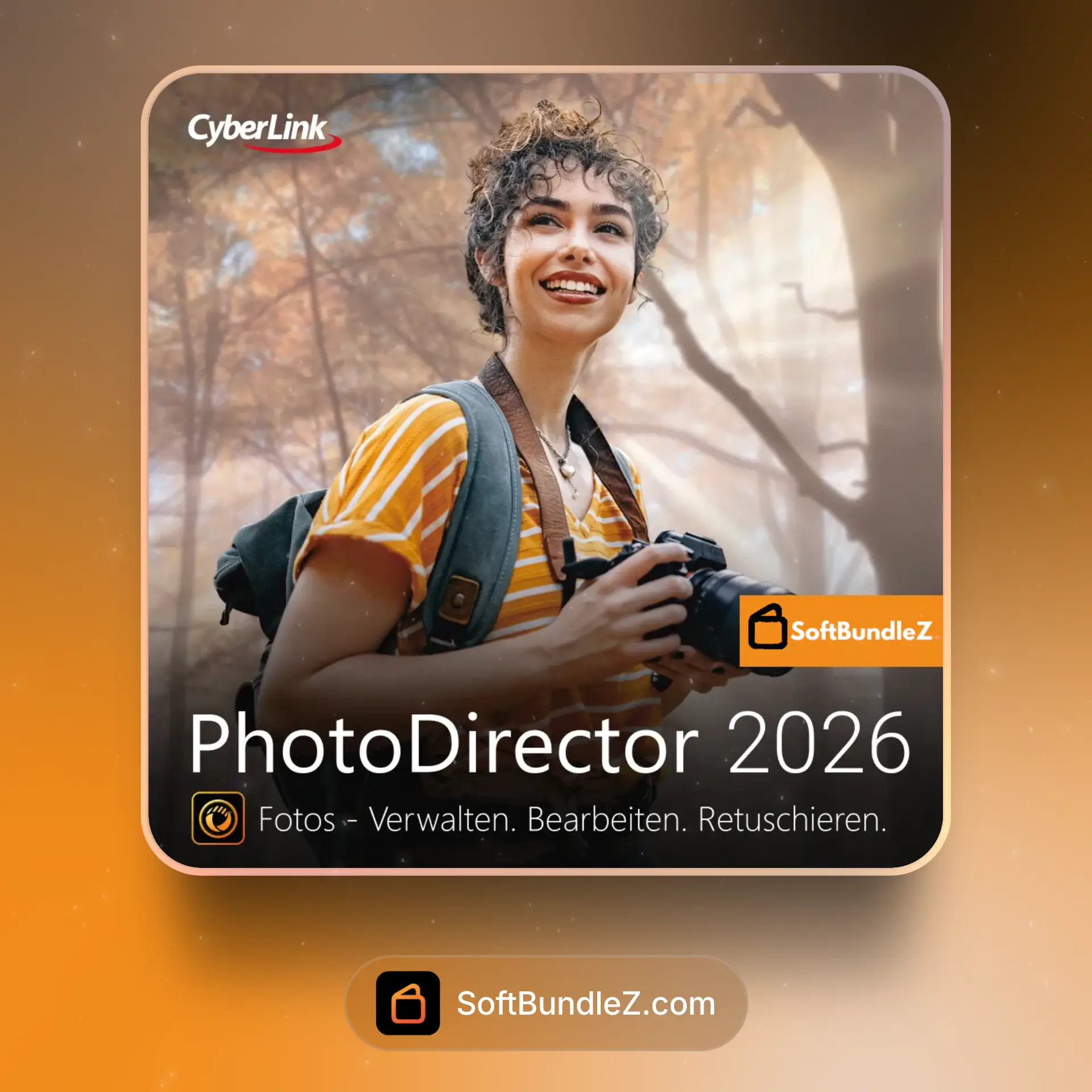
CyberLink PhotoDirector Ultra 2026 is a professional photo editing and image management suite for Windows that blends layer-based editing, AI-powered tools, and fast batch processing for a modern photography workflow.
🎛️ What’s Inside
| Module / Feature |
What it does |
Perfect for |
| AI Object Removal & Content-Aware Fill |
Removes distractions and fills gaps with scene-aware textures for clean results. |
Travel shots, product photos, street photography. |
| AI Sky Replacement & Relight |
Detects sky regions and swaps skies while adjusting scene lighting to match. |
Landscapes, real estate, outdoor portraits. |
| Portrait Retouch Suite |
Facial recognition, skin smoothing, blemish removal, lighting and body shape tools. |
Headshots, fashion, social content. |
| Layers, Masks & Blend Modes |
Non-destructive composites with adjustment layers, vector shapes, and masking controls. |
Creative composites, marketing graphics, posters. |
| LUTs, Color Grading & HDR Merge |
One-click looks with LUT support, tone curves, HSL tools, and bracketed HDR merging. |
Cinematic color, sunset scenes, dynamic range recovery. |
| Photo Animation & Motion Tools |
Adds parallax, motion paths, and animated overlays for eye-catching exports and GIFs. |
Social posts, banners, lightweight motion graphics. |
| RAW Development & Batch Processing |
Processes camera RAW files with lens profiles and applies presets across large sets. |
Weddings, events, product catalogs. |
| Catalog & Asset Management |
Organizes shoots with ratings, tags, face tagging, and fast search filters. |
Studios, agencies, growing photo libraries. |
🎯 Why Photographers and Creators Choose PhotoDirector Ultra
💡 Key Benefits
- All-in-one workflow from import and culling to retouching and export.
- AI-assisted editing speeds up complex tasks like sky swaps and object removal.
- Layer-based control for precise composites and non-destructive edits.
- Fast batch tools with presets, LUTs, and automation for large sets.
- Catalog tools that scale with growing libraries and client work.
🎨 Best Use Cases
- Portrait and beauty retouching for headshots and campaigns.
- Landscape and travel edits with sky replacement and HDR merge.
- Product and eCommerce photos with clean backgrounds.
- Social media graphics with animated photo effects.
- Event and wedding shoots needing quick, consistent looks.
🔧 Highlight: AI Background Removal
AI Background Removal isolates subjects with edge-aware masks in a few clicks. Refine hair and transparent areas, then drop in solid colors, gradients, or custom scenes for consistent catalog and creative layouts.
📋 Technical Specs
| 💻 Platforms |
Windows 10 or later (64-bit). macOS availability may vary by edition; check PhotoDirector for Mac if required. |
| 🛠 Version / Build |
2026 pre-listing; final build details will be confirmed on release. |
| 📂 License Type |
Perpetual Ultra license. Subscription options are available separately under PhotoDirector 365. |
| 🎯 Typical Hosts |
Standalone photo editor with RAW support, LUT import, and export to common formats for web, print, and social. |
🚀 What You Get Right Now
✅ Instant Download – secure installer delivery via SoftBundlez order
✅ License – perpetual Ultra activation with clear steps
✅ Content – core app with AI tools, layers, LUT support, and sample assets
✅ Workflow – presets, batch processing, and catalog features to speed up editing
💡 Pro Tip
Apply a LUT or preset first for a consistent base look, use AI Object Removal to clean the frame, then fine-tune with local masks and HSL targeting. Save the stack as a reusable preset to keep branding consistent across shoots.
❓ FAQ
What is the difference between Ultra and PhotoDirector 365?
Ultra is a perpetual license. PhotoDirector 365 is a subscription that typically includes feature updates and add-on content during the term.
Does it support RAW photos from my camera?
Yes. PhotoDirector supports popular RAW formats. For the newest camera bodies, check the official support list after the 2026 release is posted.
Can I use it with other editors like Photoshop or Lightroom?
Yes. You can round-trip images using standard formats like TIFF, JPEG, and PNG or export edited RAWs for additional steps.
Will my current projects open in the 2026 version?
Projects created in recent versions generally open, but you should back up catalogs and test key edits before migrating a full workflow.
Is macOS supported?
PhotoDirector for Mac is available as a separate edition. Availability for the Ultra 2026 Windows edition on macOS is not confirmed in this pre-listing.
🏁 Final Word
If you need a fast, approachable photo editor with AI tools, layer control, and strong catalog features, CyberLink PhotoDirector Ultra 2026 is a practical choice for Windows-based studios, creators, and anyone building a reliable, modern photography workflow.





 Fast Digital Delivery
 Reliable Customer Support
 Safe & Simple Payments










Reviews
Clear filtersThere are no reviews yet.