
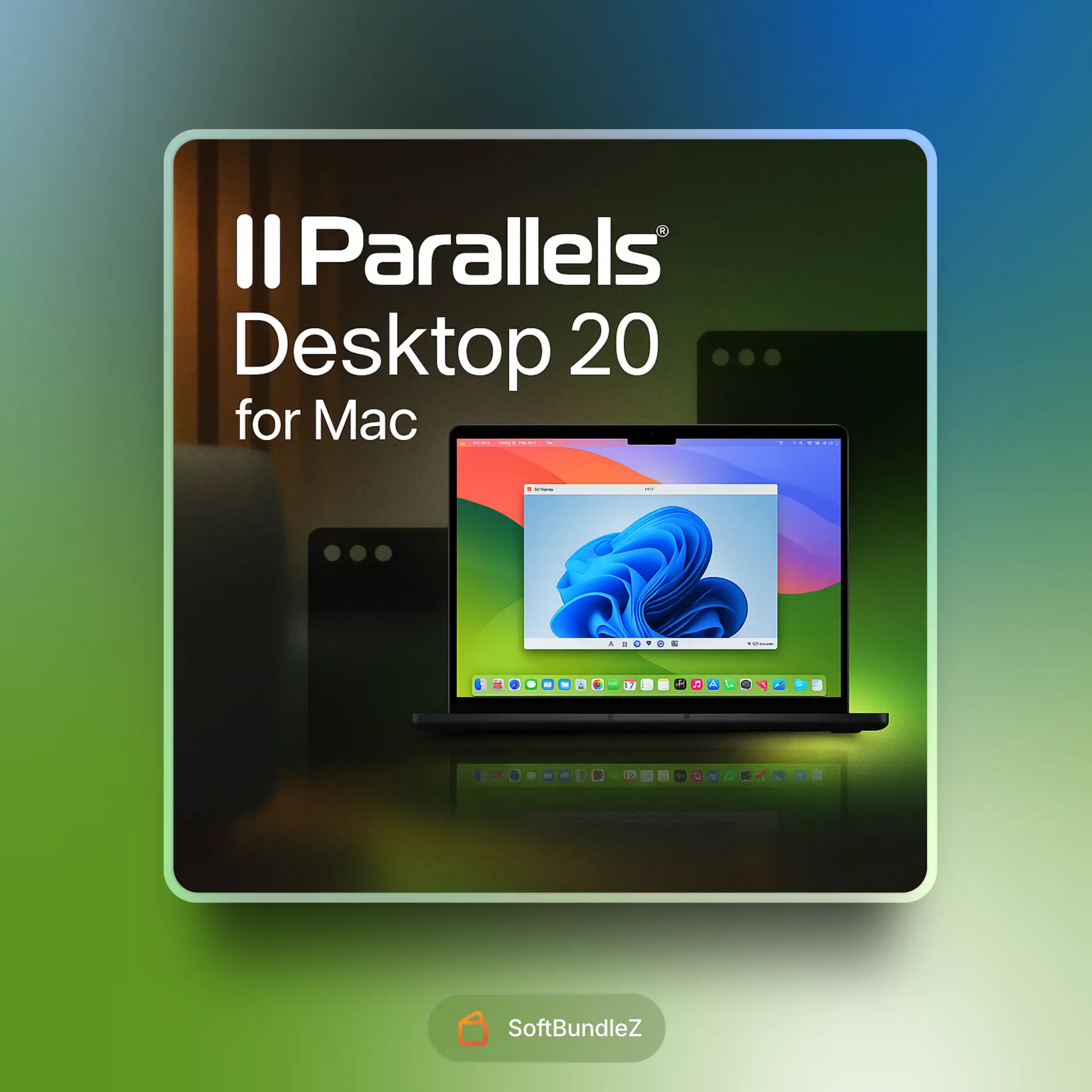
Parallels Desktop 20
Enjoy a 10% discount on your first order
softbundlez10
$59.99
-
Fast Digital Delivery
No delays, instant access.
-
Reliable Customer Support
Support you can rely on.
-
Safe & Simple Payments
Smooth, secure checkout.
Payment Methods:
Description
Parallels Desktop 20 for Mac is the ultimate solution for running Windows, Linux, and other operating systems seamlessly alongside macOS – no rebooting required! 💻✨ Whether you need to run Windows-exclusive applications, develop cross-platform software, or play PC games on your Mac, Parallels Desktop 20 delivers exceptional performance and deep integration with macOS.
Key Benefits & Features
- Run Windows on Mac Effortlessly: Easily install and run Windows 11 (and other versions) on your Intel or Apple Silicon (M-series) Mac with outstanding speed and reliability. It’s Microsoft-authorized for Windows 11 on Arm for Apple Silicon Macs! ✅
- Seamless Integration (Coherence Mode™): Use Windows apps like they were native Mac apps! Hide the Windows desktop and run Windows applications directly from your Mac Dock, with drag & drop and copy & paste between macOS and Windows.
- Optimized for Apple Silicon: Experience blazing-fast performance and incredible efficiency when running virtual machines on Macs with Apple M-series chips (M1, M2, M3, M4).
- Gaming on Mac Enhanced: Play many popular Windows games with improved graphics support (including DirectX) and performance, making your Mac a more versatile gaming machine. 🎮
- Ready for macOS Sequoia & Windows 11 24H2: Stay ahead with support for the latest macOS and Windows operating systems, both as host and guest.
- Linux & More OS Support: Beyond Windows, easily download, install, and run various Linux distributions (like Ubuntu, Fedora, Kali), older macOS versions, and more.
- USB Passthrough for macOS VMs: Connect external USB devices directly to macOS virtual machines running on Apple Silicon (macOS Sequoia 15+).
- Touch ID Integration: Authenticate Parallels Desktop installation and system settings using Touch ID on your Mac for a faster workflow.
- Parallels Toolbox Included: Get a bonus suite of over 40+ one-touch tools for Mac and Windows to simplify everyday tasks like cleaning your drive, taking screenshots, downloading videos, and more! 🛠️
- For Developers & Pro Users (Pro Edition): Features like advanced networking tools, more vRAM/vCPUs for VMs, Visual Studio Code integration with Copilot support, GitHub Actions for VM automation, and the Parallels AI Package for ML development.
Why Use Parallels Desktop 20?
- Unmatched Performance: Delivers industry-leading speed and responsiveness for virtual machines on Mac.
- Deep Mac Integration: Offers the most seamless experience for running other operating systems within macOS.
- Easy to Set Up & Use: Intuitive installation wizards and straightforward controls make getting started simple, even for beginners.
- Versatility: Perfect for developers, designers, IT professionals, students, and home users who need access to different operating systems.
- Constant Innovation: Regularly updated to support the latest hardware, operating systems, and software.
Who Is It For?
- Mac Users Needing Windows Apps: If you rely on specific Windows-only software for work, school, or hobbies.
- Software Developers & Testers: Create and test applications across multiple operating systems on a single Mac. 🧑💻
- Gamers: Expand your gaming library by playing Windows PC games on your Mac.
- IT Professionals: Manage and test different OS environments and deployments.
- Students: Run specialized academic software that may only be available for Windows or Linux.
- Anyone Switching from PC to Mac: Easily bring your Windows environment and applications with you.
Use Cases
| Scenario | How Parallels Desktop 20 Helps |
|---|---|
| Running Microsoft Office for Windows | Access the full Windows versions of Word, Excel, PowerPoint, Outlook, etc., with seamless integration. |
| Developing & Testing Websites/Apps | Test your projects in various Windows browsers, Linux distributions, or older macOS versions without needing multiple physical machines. |
| Playing Windows-Exclusive Games | Enjoy a wide range of PC games on your Mac with optimized performance and graphics support. |
| Using CAD or Engineering Software | Run demanding Windows-based design, engineering, or architecture applications directly on your Mac. |
System Requirements (for Mac Host)
| Component | Specification |
|---|---|
| Operating System | macOS Sequoia 15.0 or newer, macOS Sonoma 14.5 or newer, macOS Ventura 13.2 or newer, macOS Monterey 12.6 or newer (older macOS versions might install an earlier Parallels Desktop product version) |
| Processor | Any Apple Silicon chip (M1, M2, M3, M4), Intel Core i5, Core i7, Core i9, Intel Core M, or Xeon processor |
| Memory (RAM) | Minimum 4 GB of RAM (16 GB or more recommended for best performance, especially for Pro users) |
| Storage | 600 MB for Parallels Desktop application installation. Additional disk space for guest operating systems (e.g., at least 16 GB for Windows) – SSD recommended. |
| Graphics | Any Apple Silicon chip; Intel, AMD Radeon, or NVIDIA graphics cards (relevant for Intel Macs) |
| Internet Connection | Required for product activation, updates, and select features |
Final Thoughts
Parallels Desktop 20 for Mac remains the gold standard for virtualization on macOS, offering an incredibly polished, high-performance, and feature-rich experience. Whether you’re a professional needing Windows for critical apps or a home user wanting to play PC games, Parallels makes it feel like Windows is just another app on your Mac. It’s a fantastic tool that truly bridges the OS gap! 🌉
Customer Reviews
1 review for Parallels Desktop 20
Clear filters🌟Our Best Sellers
Autodesk AutoCAD 2026
In stock
Chaos V-Ray 7
In stock


dave_it –
Windows 11 on my Mac? Running buttery smooth. Parallels nailed it this time